Managing Channel templates
With the Woocommerce product feed manager you can create unlimited product feeds for almost every channel available. Because every channel has its own set of rules and requirements we have created for you several channel templates so you are able to create valid feeds very fast.
In our channel manager you are able to manage the channels you want to work with and find updates when channels have changed rules or requirements.
The channel manager is not available for the woocommerce google feed manager. That plugin has only support for the Google shopping channel.
Installing a channel
To activate and use one or more channels click the Channel manager link in the feed manager menu. You will get the Channel manager page where you can manage your channel templates, activate remove and update them.
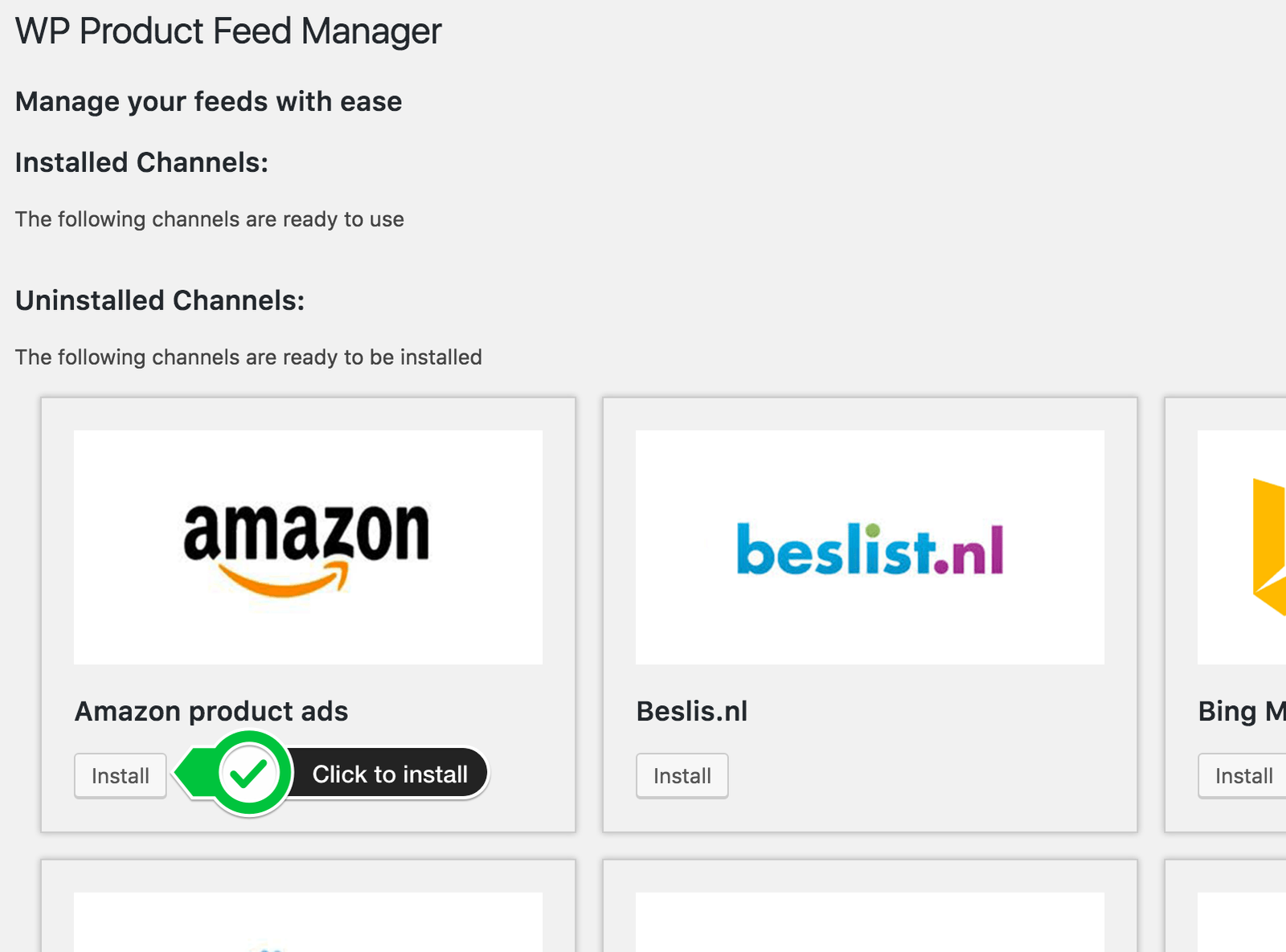
After installation you will find the installed channel template under the “Installed Channels” section.
Channel updates
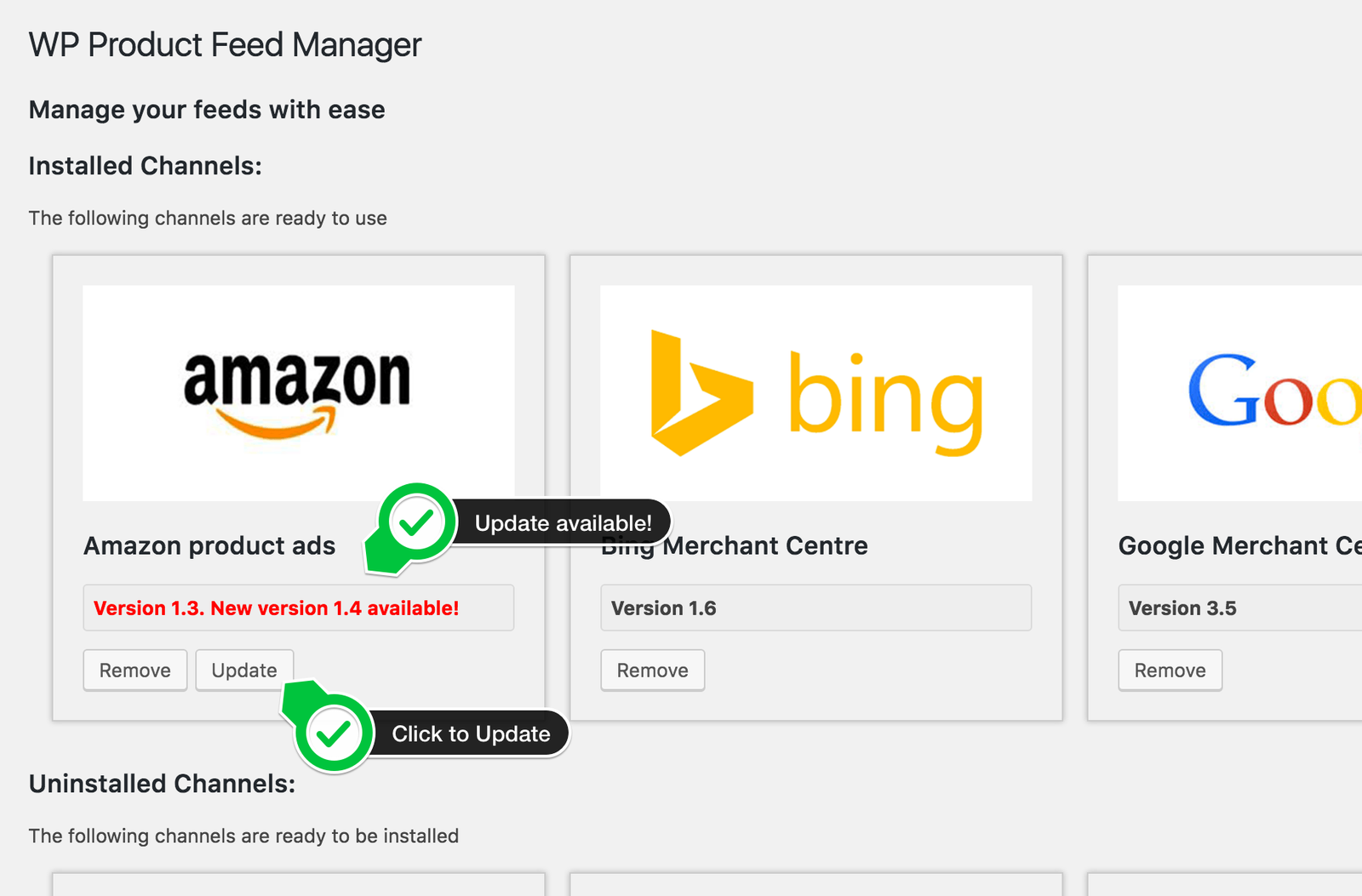
Every now and than channels will change product feed specifications what will have a inpakt on your product feeds. We will monitor those changes and channel requirements so you will always be sure you have the latest feed requirements and your feeds will always be valid.
When channels change we will launch a update and you will be noticed by a red number (total of channels changed) in the menu and a red update notice in the channel manager. Click the update button to update the channel template.
Please do check the feed and make sure your products are still listed as you would like it.